Hi everyone,
A while back, I shared a build of the Nautilus Image Converter which worked for GNOME versions less than 43 here. I’ve since put together a newly enhanced fork of Corey Berla’s repo which was built specifically for modern GNOME (43+) and GTK4 setups.
If you frequently need to batch-process or tweak images directly from the GNOME Files right-click context menu, I’m hoping this makes your workflow a bit smoother.
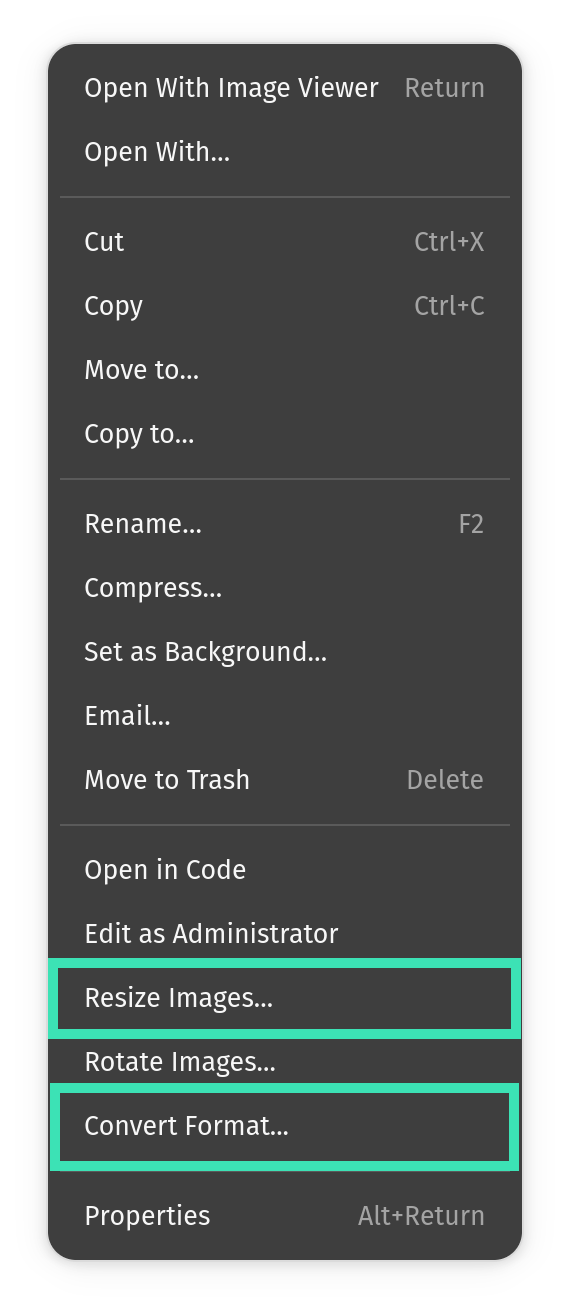
What’s new in this version:
- Target File resize (increase/decrease) Tool: Increase or decrease images to hit a specific target file size (e.g., 500KB, 2MB). It reduces larger files by adjusting quality rather than downscaling resolution, and optionally pads smaller files with dummy bytes to meet strict minimum size requirements for web portals. It uses
jpegoptimandpngquantunder the hood.
- Format Conversion: You can now right-click to convert images between WebP, AVIF, PNG, JPEG, and GIF.
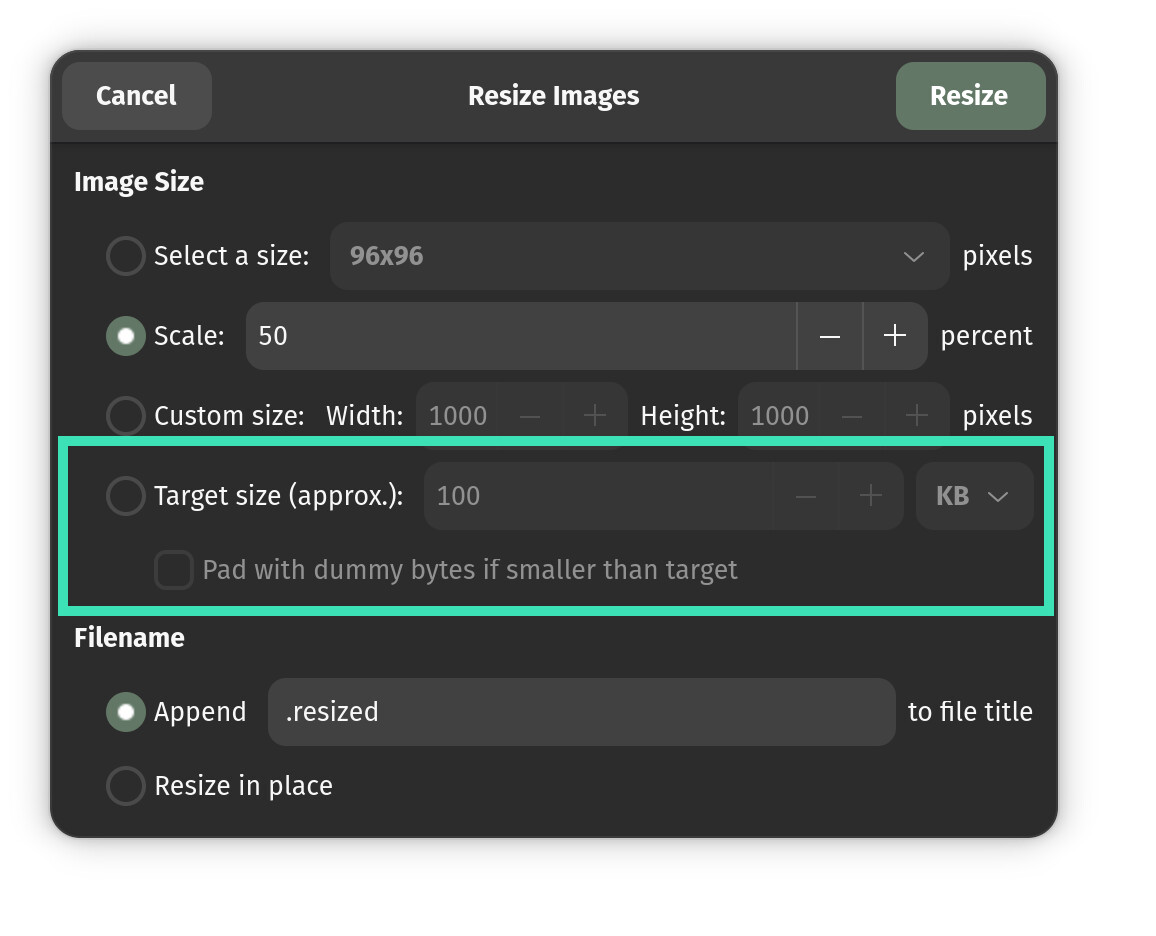
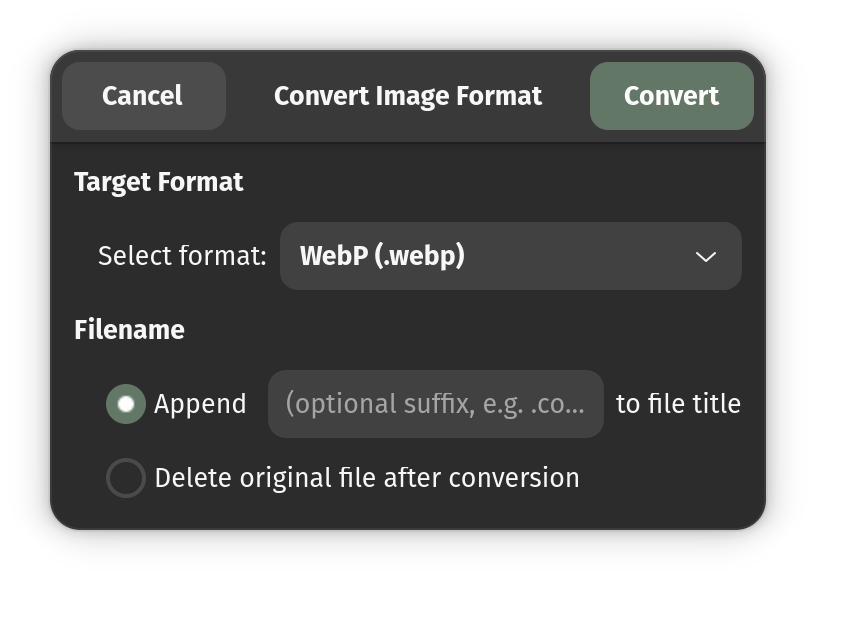
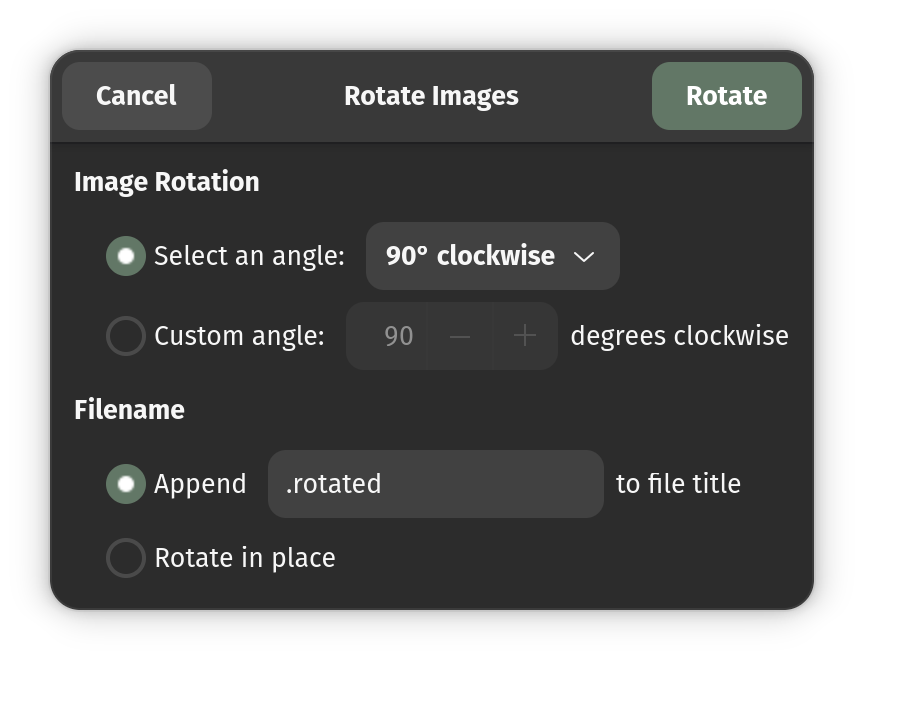
All other resizing (by scale/custom pixels) and rotation features that originally existed in Corey’s repo are still fully intact.
Check it out here:  GitHub - Ameen-Sha-Cheerangan/nautilus-image-converter-gnome43plus
(Note: If you are on an older system with GNOME version less than 43, the legacy GTK3 version I posted previously is still the one to use).
I’d appreciate any feedback, code reviews, or bug reports from the community.
Thanks!