1. What is your name?
Rohit Kumar
2. What’s your Club’s name?
FOSS Club GEC Sheikhpura (Government Engineering College, Sheikhpura)
3. Event name
Version Control- Git and GitHub
4. Event type
Hands-on (workshop)
5. Explain the event briefly
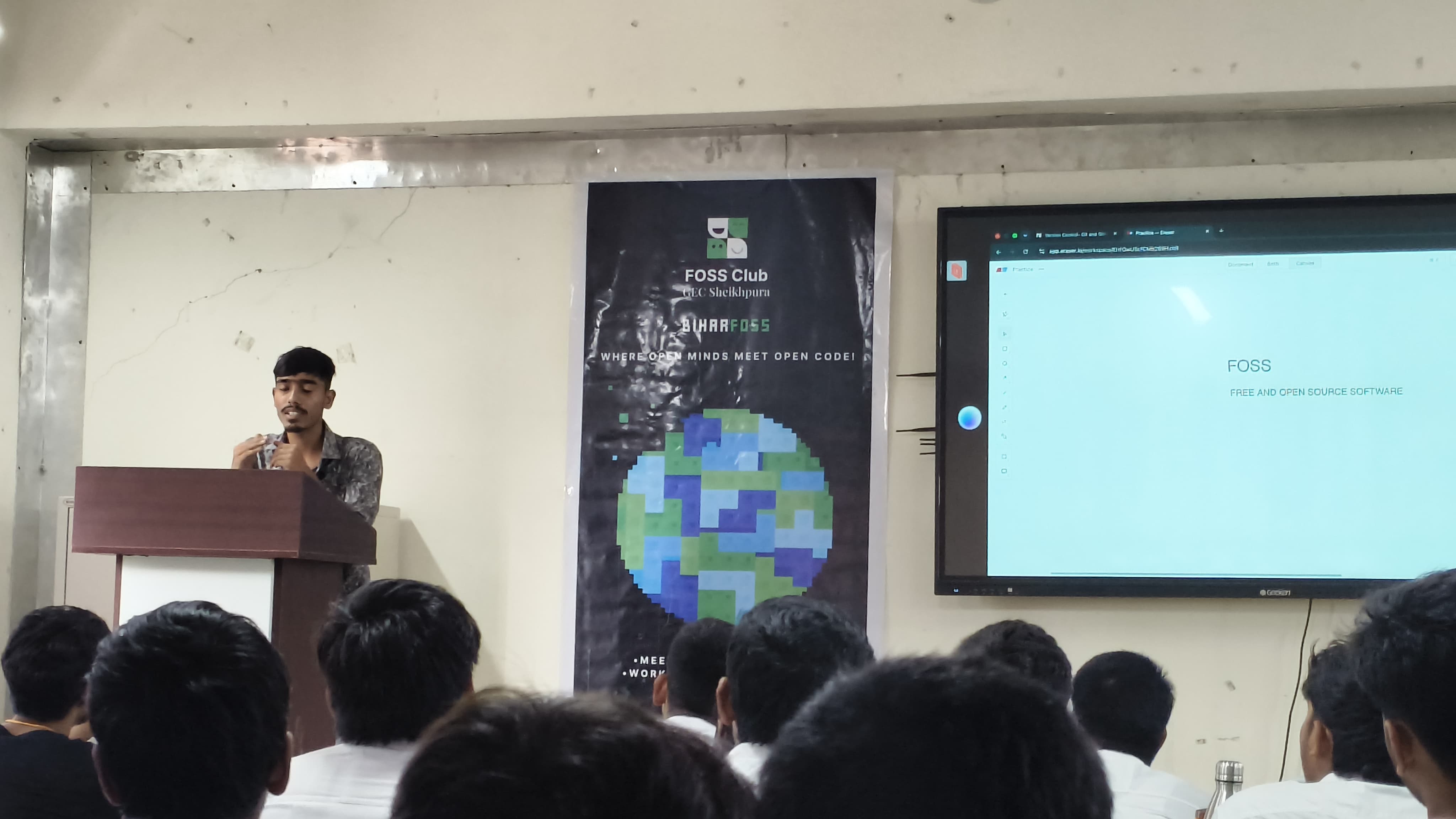
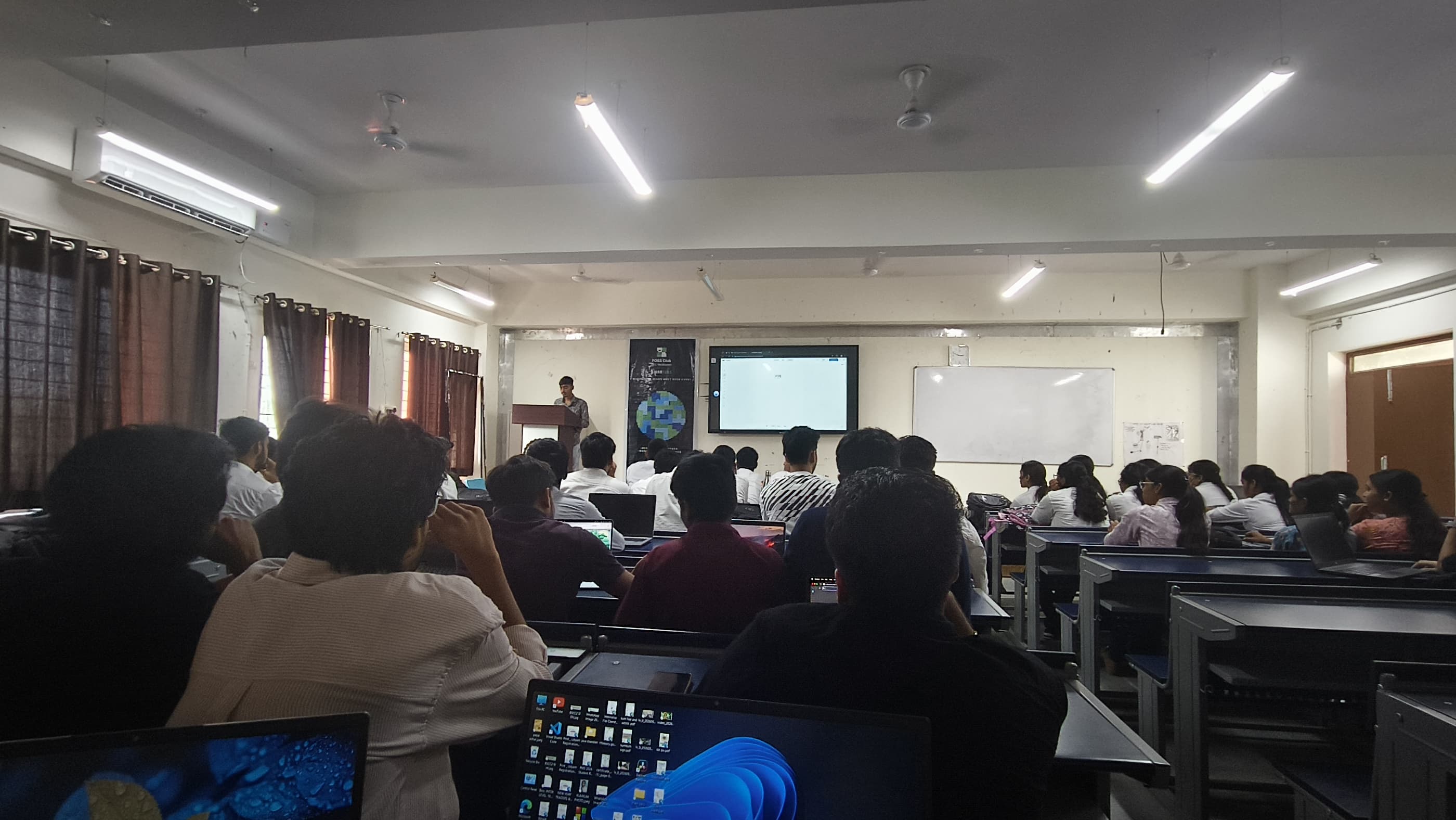
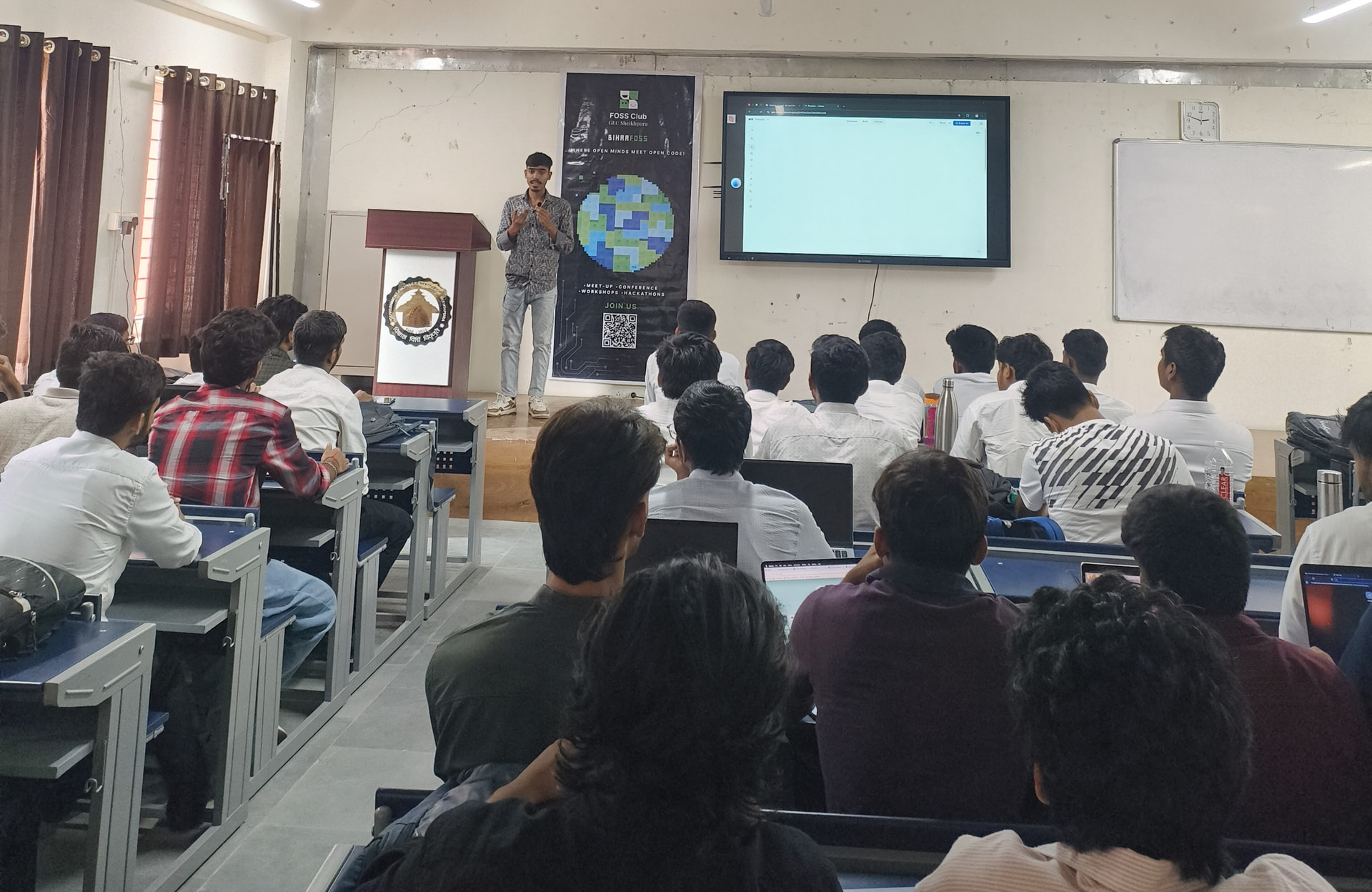
On 1 August 2026, from 2:00 PM to 5:00 PM, in CSE Classroom 107, our club ran a three-hour hands-on workshop on Git and GitHub. Instead of slides, participants opened their terminals and built along with the speaker. The session covered:
- setting up a local repository, tracking changes and writing clean commits
- connecting the local repo to GitHub and pushing updates
- opening pull requests and going through code review
- resolving merge conflicts when working with others
6. Speaker details
Kshitij Kumar, [club core member], He led the live walk through of the Git workflow described above, from git init and commits through branching, pull requests and merge-conflict resolution.
7. Was the speaker provided to you by FOSS United?
No. The speaker came from our own club and community, and he applied through the event’s CFP.
8. Mode of the event
In-person
9. Livestream
Not applicable, since the event was fully in-person.
10. Event photos (Ente)
11. How many people attended?
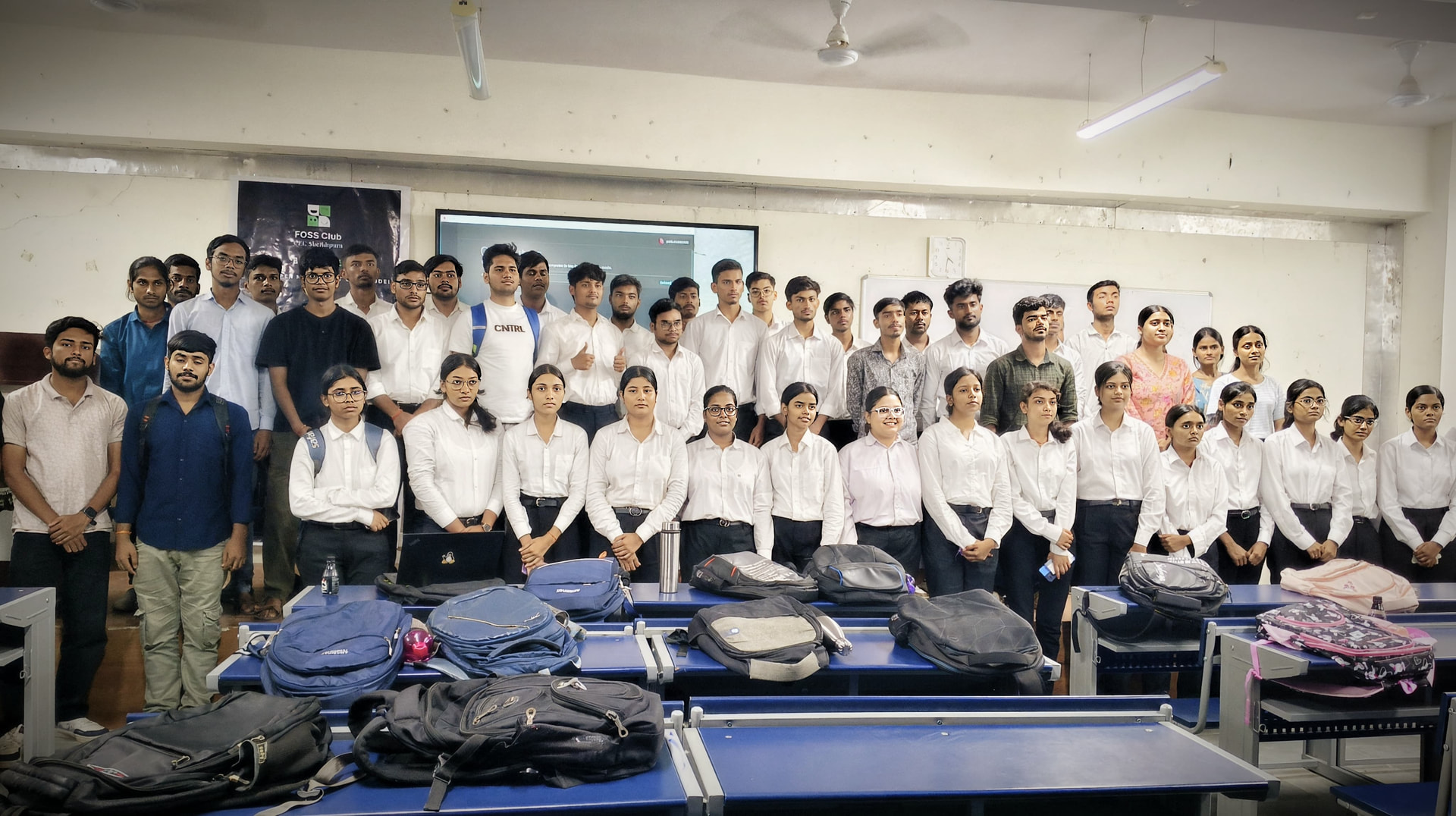
54 attendees, as recorded on the FOSS United event page.
12. What went well
- Turnout was strong for a hands-on session, with 54 attendees.
- The hands-on format worked. People ran commands themselves instead of just watching, and most finished with a repo on GitHub.
- Our volunteer team of 15 handled registration, floor support and helping participants who got stuck. Some of them was quite beginner.
13. What could be improved
- Setup took time away from teaching. Some participants didn’t have Git installed or had trouble creating or logging into GitHub accounts. Next time we’ll send a pre-event setup checklist.
- Skill levels varied a lot. We could run a short beginner track and a separate pace for people who already know the basics.
14. What open source tools did you use?
Git, GitHub (a free platform for hosting; it is not open source itself), a Linux/bash terminal
15. Challenges with those tools
- Git on Windows: installation, PATH issues and line-ending warnings.
- Authentication with GitHub: many participants struggled with HTTPS tokens and SSH keys, since passwords no longer work for pushing.
- Merge conflicts: confusing at first, until the conflict markers were explained visually
16. Crowd favorite?
My guess is the pull request and accepting pr on GitHub
17. Contributions from community members
18. Potential mentors or speakers
Shiivam Kumar is good to speak on open source projects. We’d like them to speak or assist at future club sessions on topics like Linux basics or open source contribution.
19. Money spent
Money was only spent on the attendees snacks and refreshment (cold drink) Reimbursement is yet to claim.
20. Anything else
- Plan a follow-up on open source contribution, such as finding good first issues and making a first PR. Sorry for the delayed reporting, we had a call with the FU team to guide us for the further 3 month goal. It was great call and insightful.
Thanks